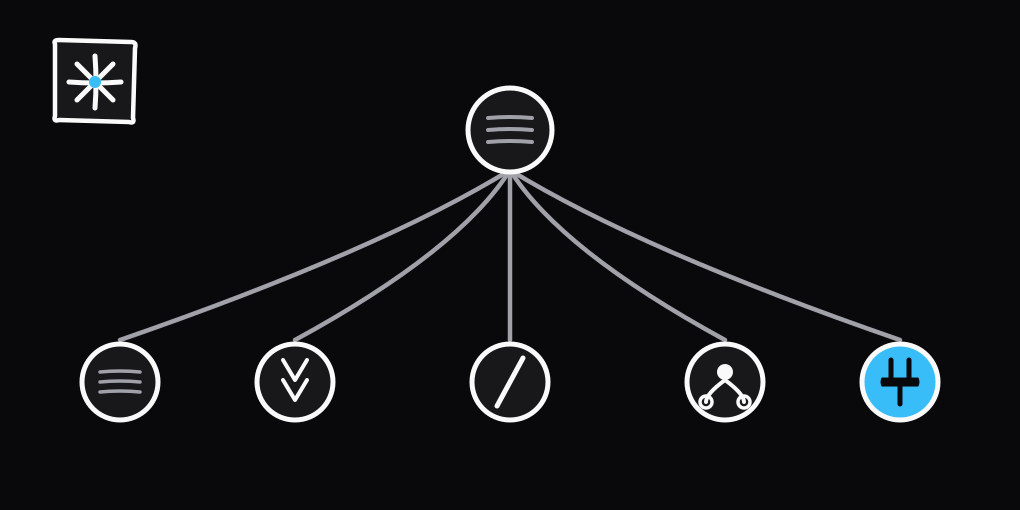
Rules, skills, commands, subagents, MCP
Most people put everything in CLAUDE.md and wonder why the agent skips half of it. The file gets long, the model gets lazy, and the rules you actually cared about disappear into the noise.
The fix is to use the multiple building blocks in Claude Code. Four provide guidance. The fifth provides tools. Each loads differently and has a different cost.
The five building blocks
| Building block | Loaded | Cost | Use for |
|---|---|---|---|
| Rule | Session start, full content | Every request | Coding standards, project layout, "always do X" facts |
| Skill | Description at start, body when used | Description every request, body only when triggered | Multi-step procedures and long reference |
| Command | Body when you type it | Per invocation | Workflows you trigger by name |
| Subagent | When spawned | Isolated context, returns a summary | Research and heavy work that floods context |
| MCP server | Tool names at start, schemas on demand | Low until a tool is called | Issue trackers, databases, design tools |
Rules: the always-on layer
Rules live in .claude/rules/. In my agents plugin that's eight files: code style, JSDoc, markdown, plain language, security, testing, USA English, user questions. They load on every turn, so they need to be short.
The test is simple. If forgetting it would produce code you'd reject in review, it's a rule. Everything else belongs elsewhere.
security.md is the cleanest example. Six bullets, no examples, no preamble. Don't commit secrets. Validate input at trust boundaries. Don't shell-interpolate untrusted strings. That's the whole file. It loads every turn because the cost of forgetting any one of them is too high.
Rules are not the place for linting or formatting. Spending context every turn to remind the agent about indentation or import order is wasteful when a tool checks it for free. Let ESLint and Oxlint catch lint violations and Prettier or oxfmt handle formatting.
A rule does not have to load on every turn. Add a paths field to the frontmatter and it only loads when the agent touches a matching file, so a markdown rule stays out of context until there's markdown in play.
---
paths:
  - "**/*.md"
  - "**/*.mdx"
---
Skills: the reference shelf
Skills are markdown files the agent loads only when the task matches. They can be long, because they only cost context when they fire.
My agents plugin has a jsdoc skill that loads when I write TypeScript. It carries the full tag taxonomy: which @example format to use, when @default and @deprecated apply, what tags to skip, and the order they go in. That's far too much to keep in context every turn, but exactly what I want on hand the moment I'm documenting a function. It costs nothing until the task triggers it.
The trigger lives at the top of SKILL.md as a short description. The agent reads the description on every turn but only opens the body when the task matches. That's the whole trick.
Commands: workflows you type
Commands are skills you invoke by name with a slash. /code-review, /verify, /changeset. Same file format as a skill, different entry point.
Use them when you want the agent to do something specific on demand, and you don't want to retype the prompt every time. The /create-pr command in my agents plugin is a good example. It knows the project's conventions, runs the checks, and opens the pull request.
Subagents: isolated workers
Subagents are different. They run in their own context window. Use one when you want parallel work, or when the task would flood your main context with noise.
Explore is the clearest example. If I ask it to find every place we read from process.env, it reads dozens of files and reports back two lines. My context stays clean.
The anti-pattern is reaching for a subagent when two tool calls would do. Spawning costs latency and tokens. Don't pay it unless the work is genuinely big or parallel.
MCP servers: tools from outside
The first four building blocks are about guidance. MCP servers are different. They run as separate processes and expose tools the agent can call, like GitHub, a database, a browser, or your design system.
You wire one up once in .mcp.json or your user config, and the tools it provides show up alongside the built-in ones. I keep the GitHub MCP server enabled because almost every project needs PR comments and issue reads.
For codegen work I add the Kubb MCP server. It exposes Kubb's code-generation tools to the agent, so it can trigger generation, validate a schema, and inspect the config straight from chat instead of me dropping out to the CLI.
The rule of thumb is the same as for subagents: don't add one until you actually need the capability. A server's tool names load at startup and the full schemas stay deferred until a tool is called, so with tool search on by default an idle server costs little. The reason to hold back is focus, not tokens. A long tool list gives the agent more ways to go sideways.
A decision tree
Should every session enforce this? Rule.
Only when a specific task comes up? Skill.
Does the user trigger it explicitly? Command.
Does it need its own context window? Subagent.
Does it need to reach outside the repo? MCP server.
Which building block fits
Walk down the rail. Each question that answers no falls through to the next.
One feature, five touch points
Take "review this PR for security issues." It splits across all five building blocks.
The security rule is always on, so the agent already knows not to log secrets or trust input from the network. The code-review skill loads when the task is a review, bringing the project's reviewing conventions. The /security-review command from Claude lets me trigger the workflow with a slash. The code-reviewer subagent runs in isolation for a second opinion that won't pollute my main context. And the GitHub MCP server posts the inline comments back on the PR when the review is done.
Five building blocks, one feature, no overlap. Each piece earns its keep.
Two more pieces that don't fit the list
These two work differently from the five above, but you will run into them.
Hooks are shell commands that run on set events, like SessionStart or Stop. They always run the same way, so they're not advice the agent can ignore. The template runs a SessionStart hook that installs dependencies, so the agent never burns a turn on pnpm install.
Output styles change how the agent writes, not what it does. My agents plugin ships a house style with rules like "no em dashes, sentence-case headings, cut filler". It sets the voice for everything the agent says.
Use the plugin
The rules, skills, commands, subagent, and output styles live in stijnvanhulle/agents and install as a plugin in any project. Run these in your terminal:
claude plugin marketplace add stijnvanhulle/agents
claude plugin install agents@stijnvanhulle
The plugin ships no hooks, so installing it won't run scripts in your repo. The template keeps its own hooks under .claude/.
Try it
Clone the agents repo, open the folders side by side, and the structure is easy to follow. The project page has a short overview of what's inside.